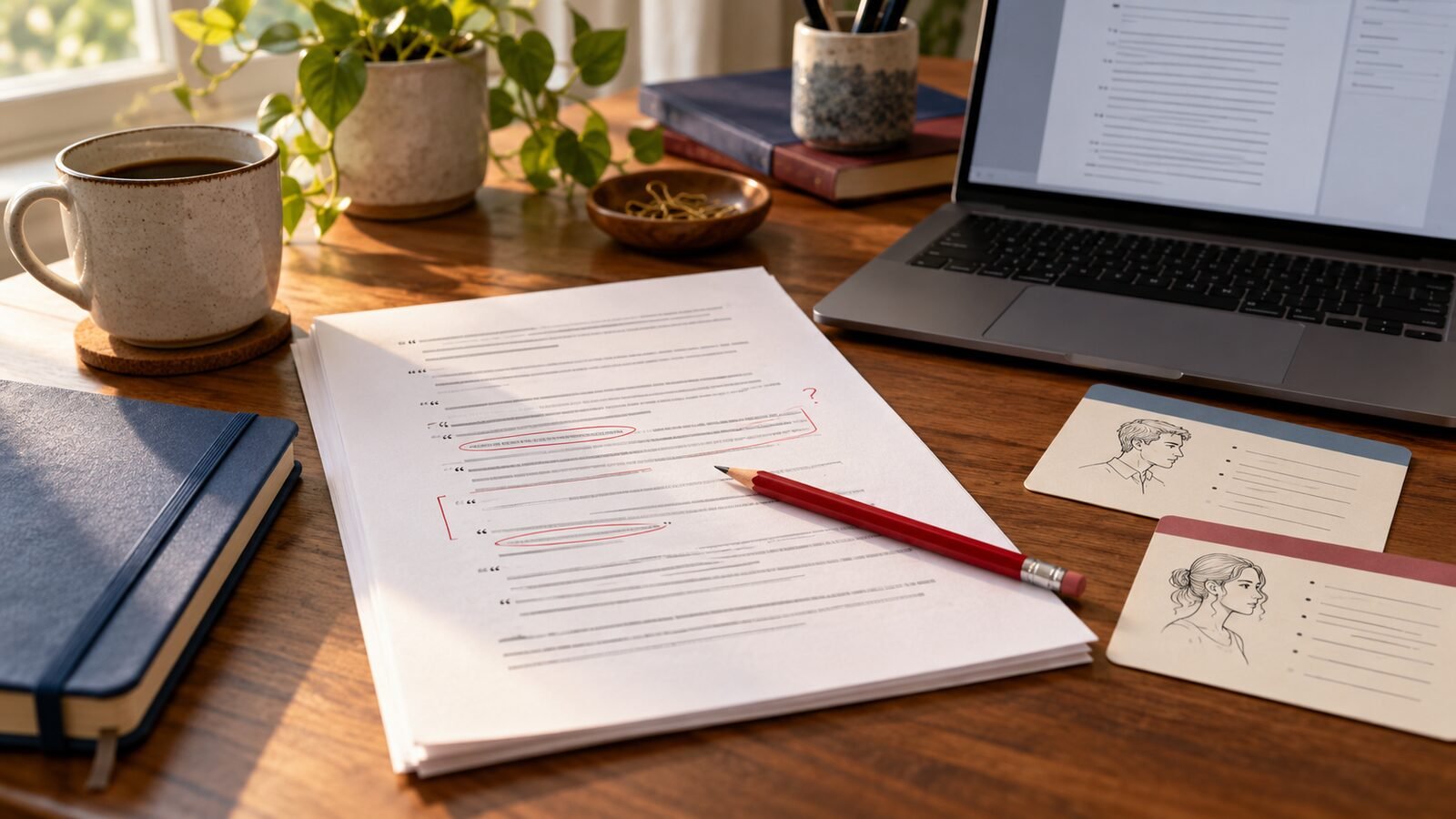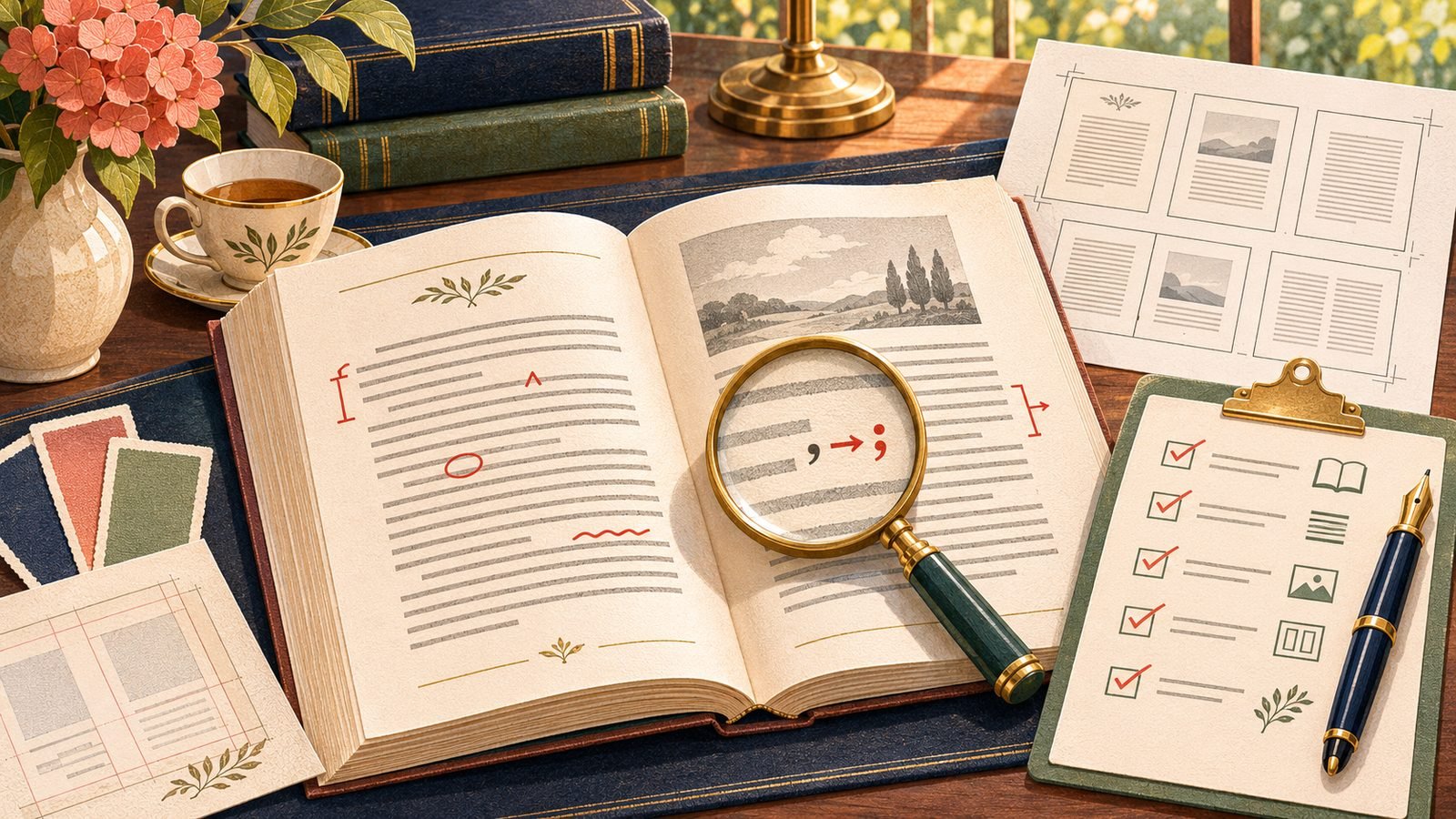
A book can be clean in a word-processing file and still develop problems after layout. A heading may be stranded at the bottom of a page. A correction may create a new line break. A chapter title may disagree with the table of contents. An illustration, caption, running head, or page number may land in the wrong place.
That is why proofreading belongs after the manuscript has been edited and designed. The Chartered Institute of Editing and Proofreading defines proofreading as the final quality check of both words and layout before publication. At this stage, the goal is to catch remaining errors while disturbing the finished pages as little as possible.
Freeze the manuscript before you proof it
Do not begin a final proof while you are still rewriting chapters. Substantial changes belong in developmental editing, line editing, or copyediting. Once the book is laid out, even a short addition can push lines onto another page, move an image, alter the index, or make a chapter start on the wrong side of a spread.
Create a clear cutoff: this is the proof version, and only necessary corrections will be made. Keep a separate list of ideas for a future edition. This prevents an appealing last-minute rewrite from turning the proof stage into another open-ended revision.
Proof the format readers will receive
Review the print interior as a print-ready PDF or physical proof, not only in the original manuscript file. Check the ebook in the actual formats and reading environments you intend to distribute. Editors Canada’s professional proofreading standards recommend proofreading in the intended medium whenever possible because format-specific problems may not appear elsewhere.
For print, view the PDF as facing pages so left- and right-hand pages appear together. Then inspect a physical proof under ordinary reading conditions. For ebooks, test navigation, linked contents, images, scene breaks, and text reflow at more than one font size. A correction that looks right in one view can behave differently in another.
Use separate passes for separate problems
Trying to catch every kind of error at once overloads your attention. A better method is to give each pass a narrow purpose.
- Text pass: Read word by word for missing words, doubled words, punctuation, spelling, capitalization, and obvious grammar errors. Follow the book’s style sheet.
- Page pass: Check headings, paragraph indents, scene-break ornaments, spacing, line endings, widows, orphans, and unusually loose or crowded pages.
- Navigation pass: Verify the table of contents, chapter numbers, running heads, page numbers, footnotes, cross-references, links, and index locators if the book has them.
- Visual pass: Inspect images, captions, tables, charts, credits, and acknowledgments. Confirm that every element is present, legible, and placed with the correct text.
Changing the way you read can also expose familiar errors. Increase the on-screen magnification, read aloud, or use a ruler or blank sheet to isolate one line at a time. These techniques slow down recognition and make it harder for your brain to silently repair what it expects to see.
Check the places most likely to fail
Some pages deserve more attention because they contain information that is easy to overlook or costly to get wrong. Review the title page, copyright page, dedication, contents, chapter openings, notes, bibliography, acknowledgments, author biography, and any call to action at the end of the book.
Confirm names, URLs, ISBNs, edition statements, dates, permissions lines, and contact information against a reliable source. Check the book’s cover and interior together: title, subtitle, author name, series information, and contributor credits should agree everywhere. The Publishers Association’s overview of publishing roles describes proofreading as a review of the typeset text for remaining errors before a book goes to press.
Record corrections so they cannot be misunderstood
A vague note such as “fix spacing” can create more work. Identify the page, paragraph or line, the current text, and the exact replacement. For example: “Page 84, second paragraph, line 3: change ‘form’ to ‘from.’” For a layout issue, state the desired result: “Page 117: move the heading and the following two lines to the next page.”
Use one correction log and assign each item a number. Mark whether it affects text, layout, navigation, or artwork. If someone else is implementing corrections, ask that person to mark every item complete or explain why it was not changed. A controlled list reduces duplicate instructions and makes the final check faster.
Keep proof corrections small and necessary
Correct errors that could confuse readers, damage credibility, or disrupt the page. Resist polishing sentences merely because you can imagine another version. The CIEP’s guidance on using proofreaders notes that even a small word change can affect page layout. The safest proof correction solves a defined problem without creating a chain of new ones.
If you discover a serious factual or legal problem, fix it even if the layout must change. Accuracy takes priority. When the issue is preference rather than error, save it for a later edition.
Verify every correction in a fresh proof
Never assume that submitted corrections were applied correctly. Generate a new proof and check each item against the correction log. Then inspect the lines and pages around every change. A fixed typo can introduce a bad break; a moved image can separate a caption from its subject; a deleted line can change pagination.
Editors Canada recommends checking in later proofreading rounds that requested changes were made and did not introduce new problems. This second look is narrower than the first full read, but it is essential. Close the correction log only when the revised file, not the instruction, is correct.
A final prepublication checklist
- The proof matches the intended print or ebook format.
- Front matter, chapter openings, and back matter are complete.
- Names, dates, links, ISBNs, credits, and permissions are accurate.
- Contents, page numbers, running heads, notes, and cross-references work.
- Images, captions, tables, and scene breaks appear correctly.
- Every correction has been verified in the newest file.
- The approved file is clearly named and archived as the publication master.
Final proofreading is not another chance to reinvent the book. It is a disciplined quality-control pass on the version readers will actually receive. Freeze the text, divide the work into focused passes, document corrections precisely, and inspect the revised proof. That process gives the book a careful finish without reopening decisions that should already be settled.