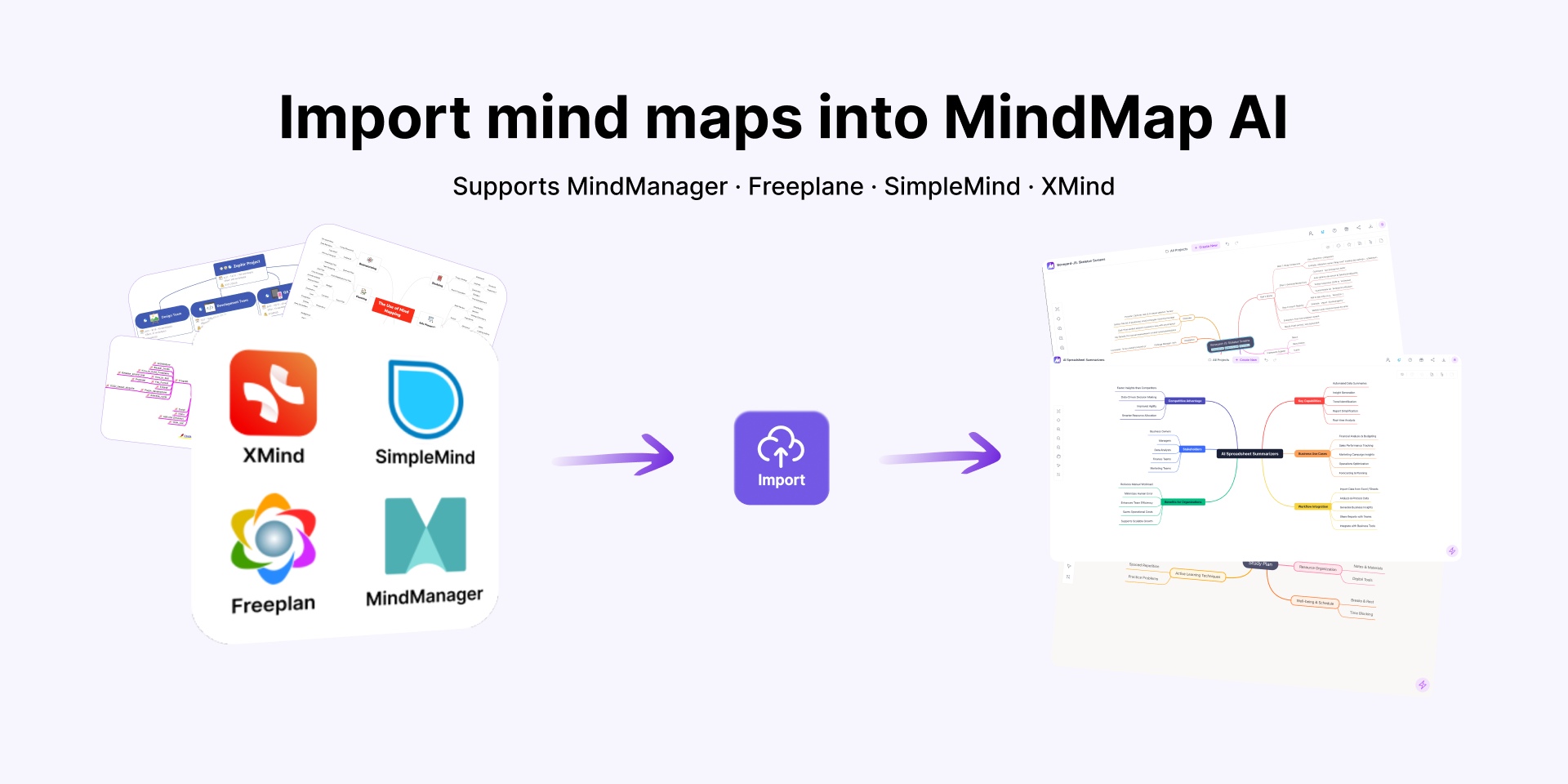
MindMap AI enables seamless import of mind maps from XMind, MindManager, SimpleMind, and Freeplane into a unified, AI-powered workspace.
New multi-platform import support lets users bring mind maps from XMind, MindManager, SimpleMind, and Freeplane into a single AI-powered workspace for free
SAN FRANCISCO, CA, UNITED STATES, April 15, 2026 /EINPresswire.com/ — Mind mapping software has been around for decades, and millions of users have built valuable knowledge structures across tools like XMind, MindManager, SimpleMind, and Freeplane. But most of those maps sit frozen in the tools that created them, difficult to evolve, impossible to enhance, and locked away from the workflows where they could deliver the most value.
Today, MindMap AI is changing that. The company announced import support for all four platforms, allowing users to bring existing mind maps into a single workspace where they can continue editing manually for free, with no limits or enhance them using AI-powered tools for topic expansion, summarization, structural refinement, and idea generation.
The Problem: Knowledge Trapped in Static Files
The global mind mapping software market, valued at an estimated $1.7 billion in 2024, is projected to exceed $5 billion by 2032 (Credence Research), driven by growing adoption in education, corporate strategy, research, and personal knowledge management. Yet interoperability across tools remains almost nonexistent. Users who switch platforms or want to consolidate work from multiple tools are typically forced to rebuild from scratch.
At the same time, the rise of AI-augmented thinking tools is reshaping how people approach ideation and knowledge work. Mind maps once treated as finished artifacts, are increasingly expected to be living documents that grow, adapt, and respond to new input. MindMap AI’s import feature sits at the intersection of these two trends: portability and intelligence.
How It Works
Users upload a file in any supported format (.xmind, .mmap, .smmx, or .mm), and MindMap AI converts it into a fully editable, interactive mind map within seconds. The import preserves the original structure, hierarchy, and topic content. Once inside MindMap AI, users can expand branches, reorganize nodes, customize styles, and continue building manually with no usage limits. They can also activate AI features chat-based idea generation, one-click topic expansion, smart summarization, and structural suggestions whenever they want to go deeper. Imported files are processed securely and are not retained after the import is complete.
By the Numbers
Since opening early access for the import feature, MindMap AI has seen strong demand across all four supported platforms. Over 2,000 import requests were received within the first 30 days of beta, with more than 5,000 mind maps successfully imported during the early access period. Internally, the company found that 35% of MindMap AI users had previously used other mind mapping tools before switching, underscoring the need for seamless migration paths across the ecosystem.
From the Founder
“The most common request we heard from new users was: ‘I have years of mind maps in another tool. Can I bring them here?’ That told us two things, people are ready for a better workspace, but they don’t want to abandon the thinking they’ve already done. This release is our answer. Bring everything in. Keep building manually for free. And when you’re ready, let AI help you take those maps somewhere you couldn’t get to on your own.”
– Prasanth Subendran, Co-founder and CEO, MindMap AI
Early Adopter Perspective
“I had over 60 XMind maps from three years of graduate research. Importing them into MindMap AI took minutes, and using the AI to expand and reorganize my literature review notes saved me weeks. It’s the first time my old maps actually felt useful again.”
– Dr. Sarah Chen, Postdoctoral Researcher, Cognitive Science
Who It’s For
The feature is designed for students building study frameworks and exam prep maps, researchers managing literature reviews and knowledge structures, professionals turning brainstorms into project plans, and distributed teams consolidating shared thinking from different tools into a single collaborative workspace. Integrated AI capabilities, including a Note Summarizer, further support users in distilling complex information into clear, structured insights.
What’s Next
MindMap AI plans to expand import support to additional platforms including Coggle, MindMup, and MindMeister by mid-year. The team is also developing new AI capabilities including a presentation mode for turning mind maps into slide-ready visuals, YouTube and website summarization for importing external content directly into maps, and citation support so users can trace the source of AI-generated content back to the original documents and media it was derived from.
Availability
Import mind maps from XMind, MindManager, SimpleMind, and Freeplane is now available for all MindMap AI users on the web at no additional cost. Manual mind mapping remains free and unlimited for all users.
About MindMap AI
MindMap AI is an AI-powered visual workspace for turning ideas into structured, interactive mind maps. It combines unlimited free manual mind mapping with AI-assisted expansion, summarization, and exploration to help students, professionals, researchers, and teams think, plan, and organize knowledge more effectively. Learn more at https://mindmapai.app.
Larusan Makeshwaranathan
3axislabs, Inc.
+1 415-917-1729
email us here
Visit us on social media:
LinkedIn
Instagram
Facebook
YouTube
TikTok
X
Legal Disclaimer:
EIN Presswire provides this news content “as is” without warranty of any kind. We do not accept any responsibility or liability
for the accuracy, content, images, videos, licenses, completeness, legality, or reliability of the information contained in this
article. If you have any complaints or copyright issues related to this article, kindly contact the author above.